

An AI video workstation built on nodes.
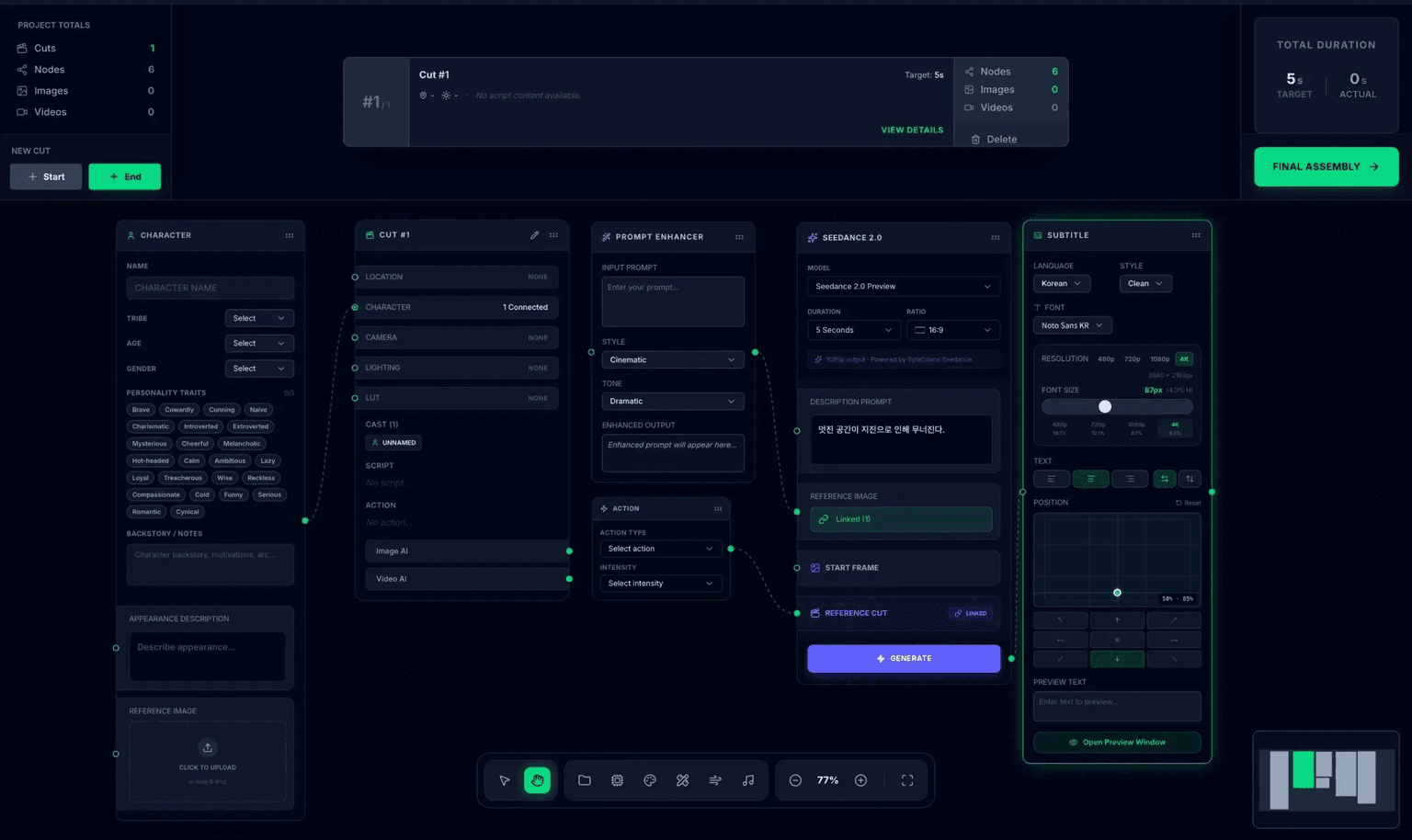
Every shot, every character, every beam of light — designed precisely on a node graph. 4-step wizard + node canvas + multi-engine + genre presets, all on one canvas.
Three things only
Skaper does.
Amazing Mjolnir
Start with one line of story. Mjolnir drafts a node graph you can review and direct before a run.
CAST node
Keep character references and scene settings together so continuity is easier to direct across shots.
7 Forges
Cinematic, Character, Animation and more start from focused graph templates instead of a blank canvas.
Six problems,
six answers.
Six pain points we hear most often, and how Skaper solves each one.
Throw Mjolnir, the graph unfolds
Wiring a node graph from scratch is paralyzing.
Throw Mjolnir with one line of story. Shots, characters, lights — all laid out for you.
Reads as one piece
AI tools drift in mood and colour every time the shot changes.
Nodes and seeds lock the whole sequence so tone holds from cut one to the end.
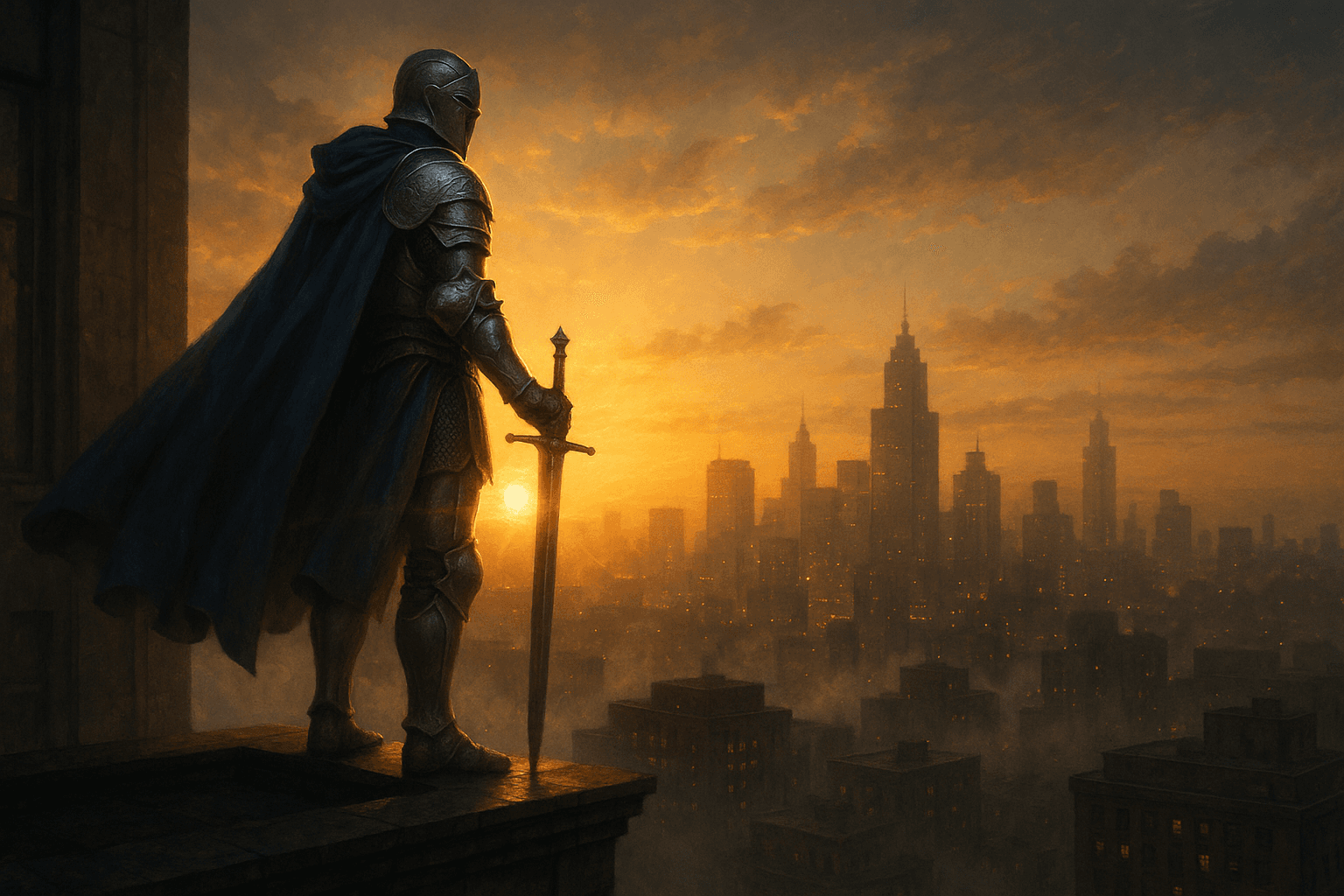
A full cast, one ensemble
Add supporting roles and extras, and AI keeps inventing new people every time.
CAST groups the entire cast at the graph level — same lineup, episode to episode.
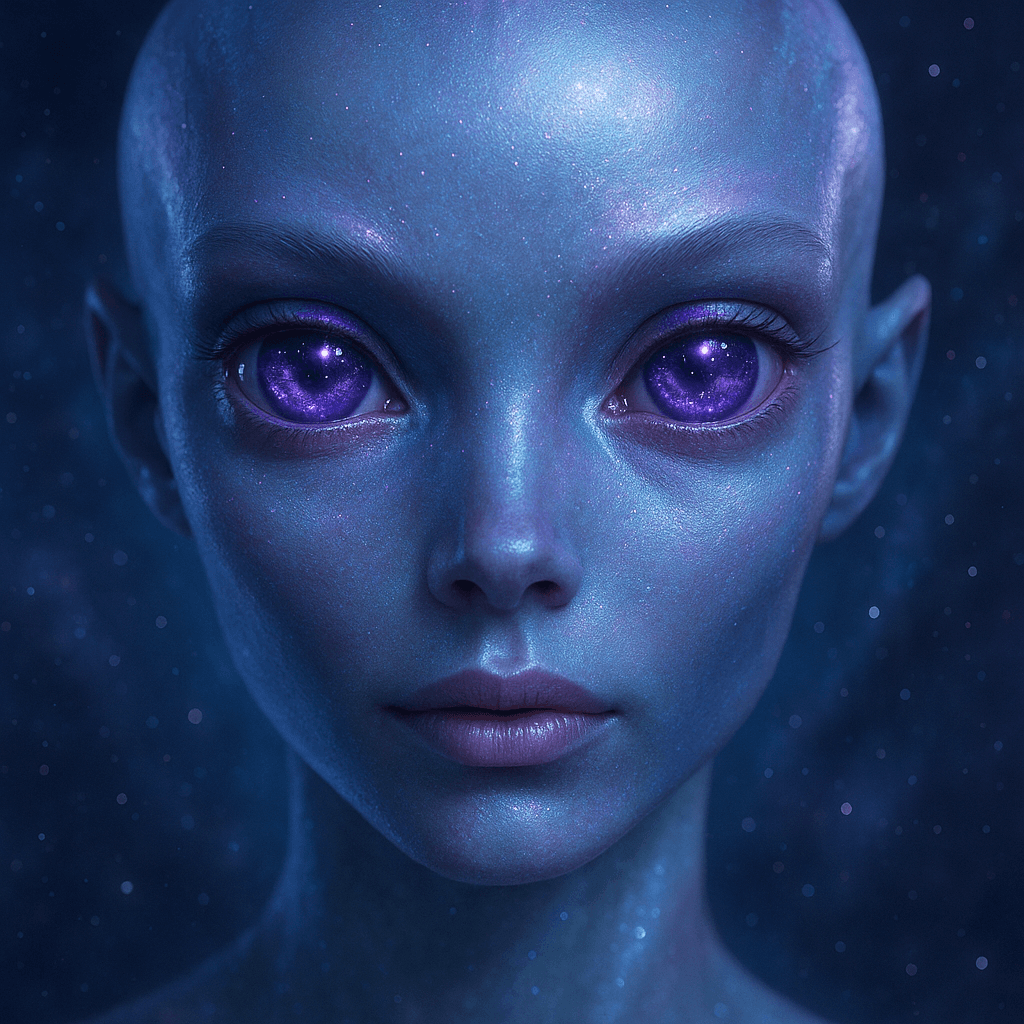
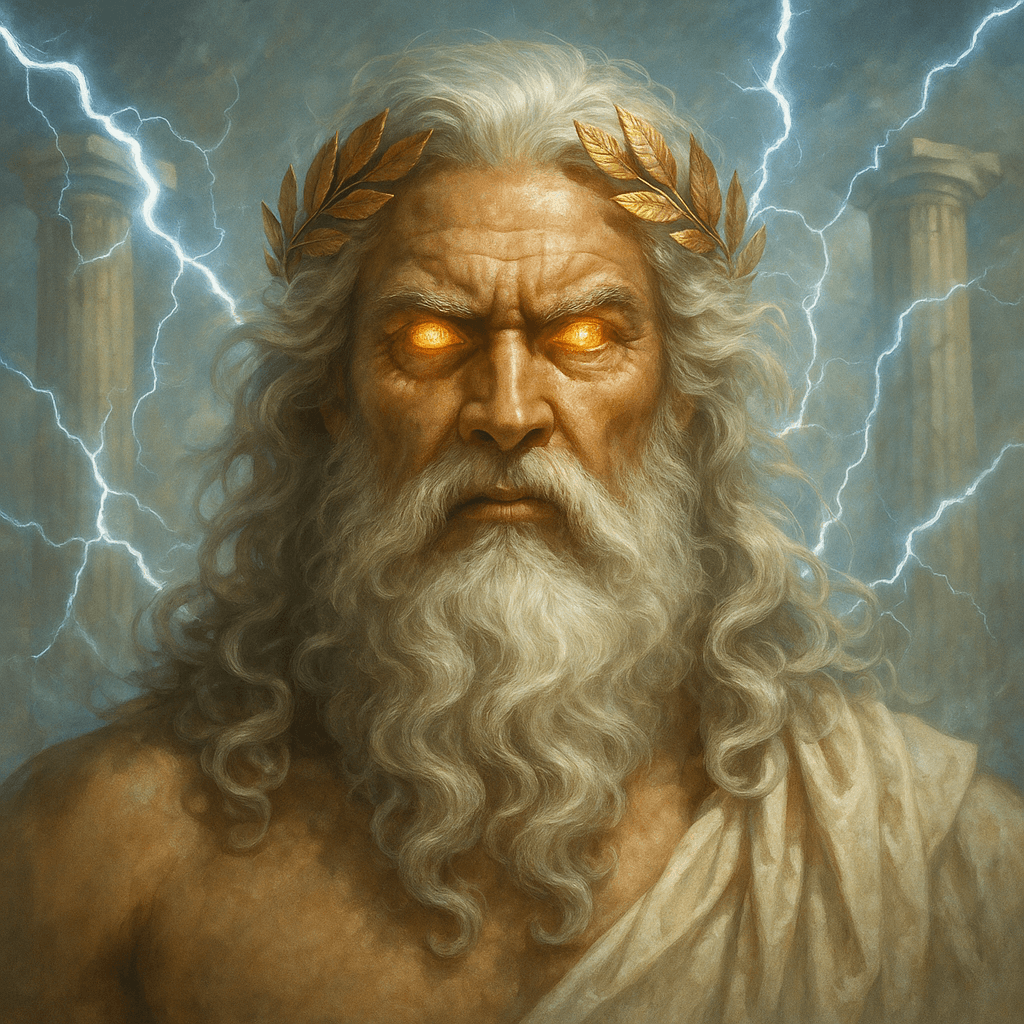
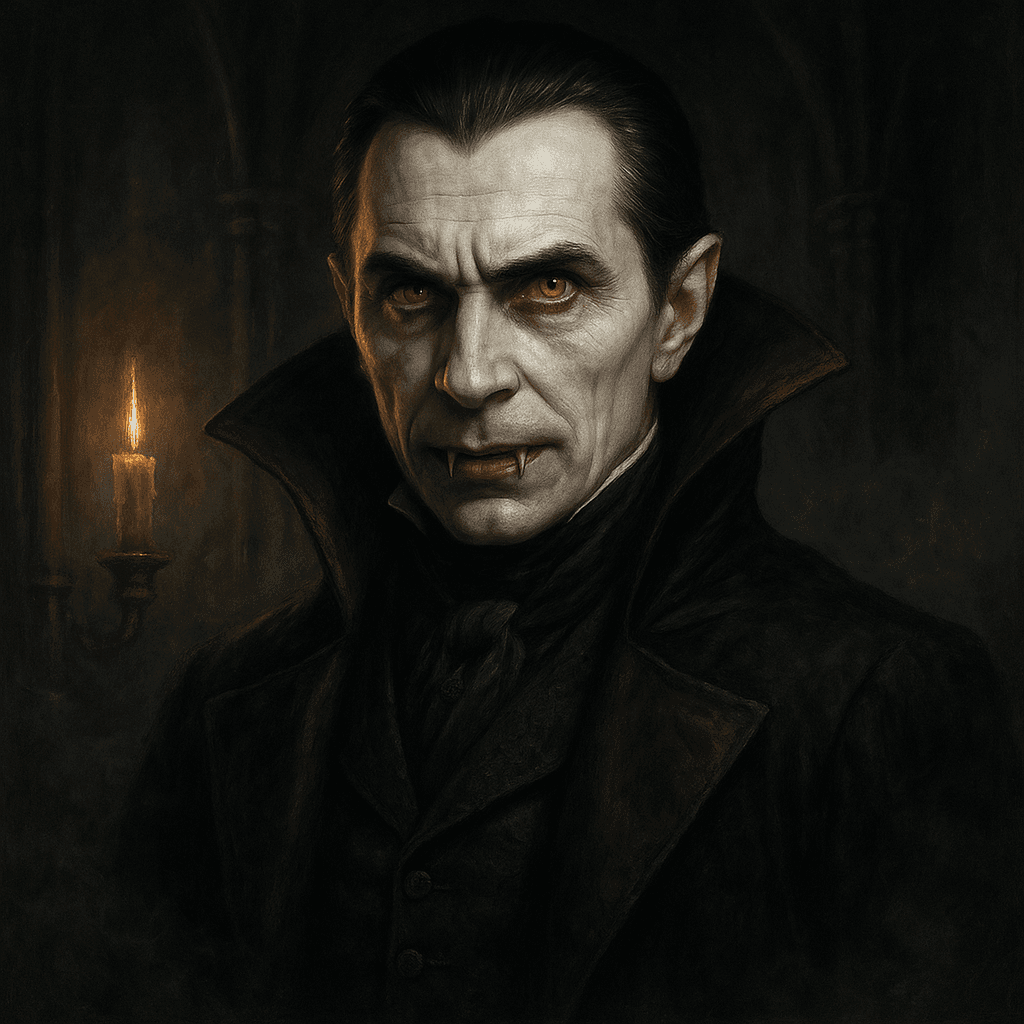
Colour, motion, games — one canvas
Colour grade in one app, motion in another, games in something else entirely.
Seven genre Forges — Cinematic, Animation, Game and more — all on the same canvas.
Keep good work in motion
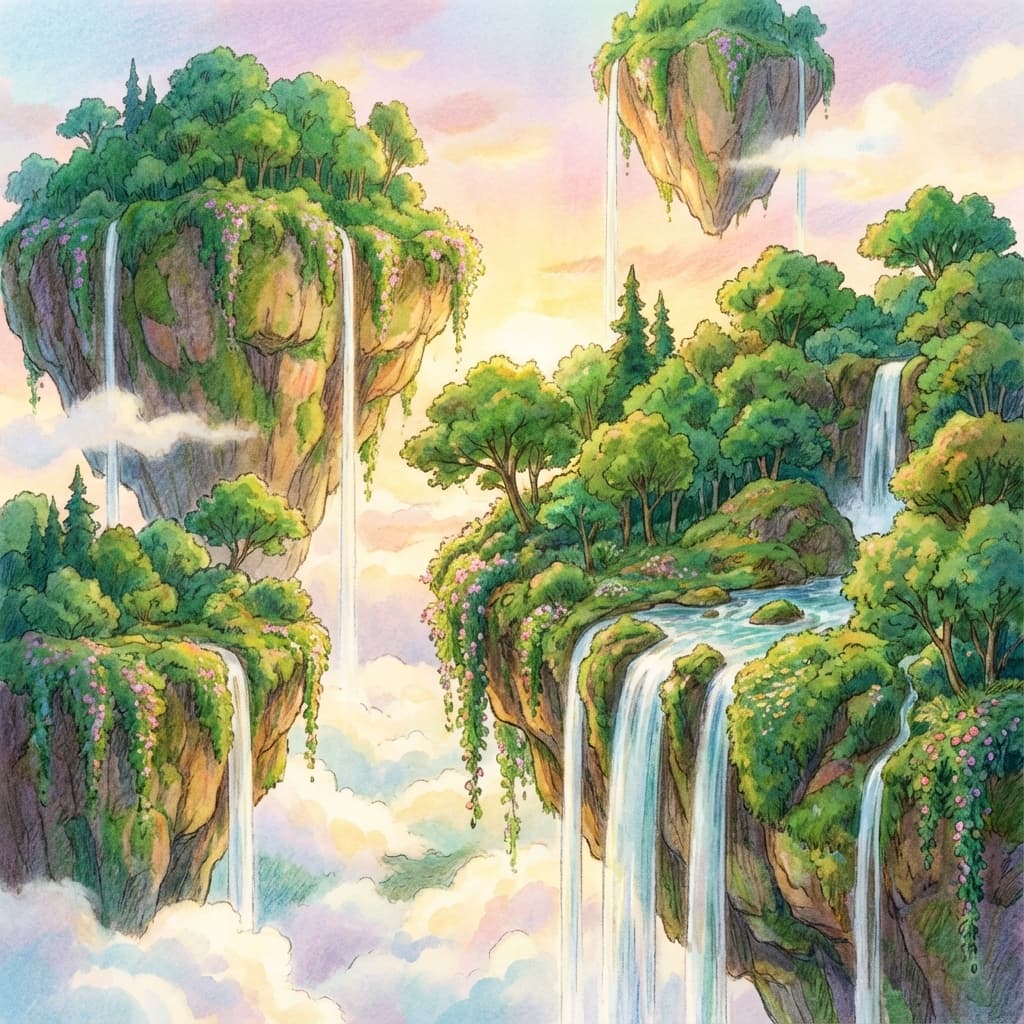
A well-crafted graph or character gets used once and forgotten.
Save graphs and character setups to a library, then use them as the starting point for the next project or team workflow.
Work that plays like a game
Repetitive work alone wears the motivation thin.
Clear daily quests, earn credits — the work itself starts to feel like a game.
Everything you need to make a film,
in one app.
Keep the core video-planning flow together on one canvas.
 / 01
/ 01Drop in a script, get a film
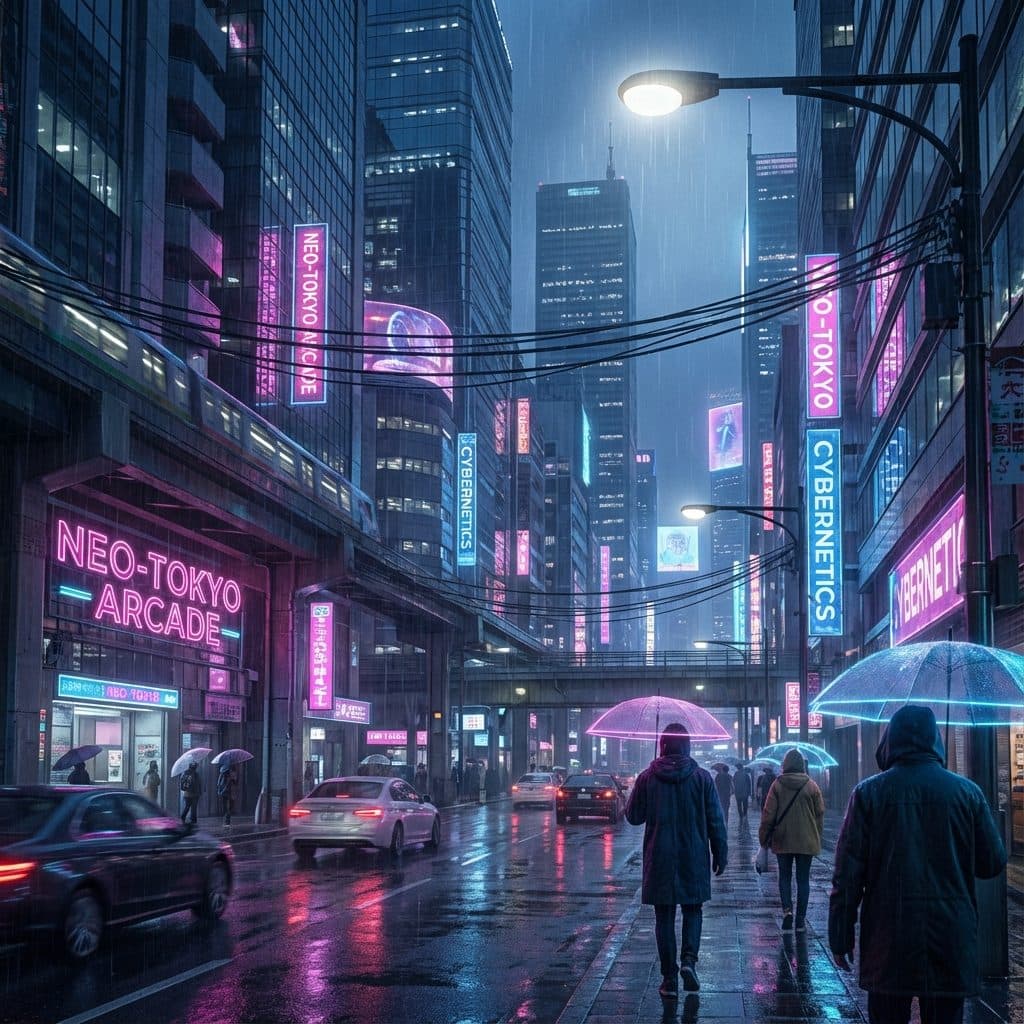
Mjolnir wires the graph and renders shots for you.
 / 02
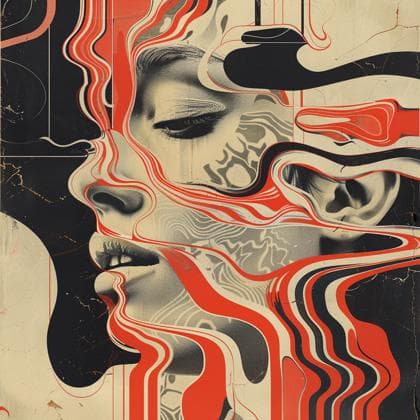
/ 02Colour and motion in one flow
Keep colour direction and camera motion on shot nodes, then refine the next version from the same graph.
 / 03
/ 03Storyboard in-app
Turn 2D/3D boards straight into a video graph. No paper, no extra app.
Even tiny details are nodes
Lock every camera angle and light cue to a node. Never wire from scratch again.
Films and games
GameForge nodes for characters, enemies, maps — on the same canvas.
Compare variants, shot by shot
Keep prompts and seeds with each graph so selections and retries stay part of the project.
Reuse what you build
Save a graph or character setup as the starting point for the next project.
Share team starting points
Duplicate approved graphs to align a team and skip the from-scratch wiring.
Earn credits as you work
Clear daily quests to earn credits. The work itself starts to feel like a game.
Production, trade, community, quests — all in one app.
An AI video workstation
built on nodes.
Script Analysis
Break the script into shot-level units.
Asset Generation
Characters, locations, props — as nodes.
Direction
Camera, light, lens — precision control.
Delivery prep
Review shot outputs and prepare the editorial handoff.
Nodes, not prompts
Compare variants on one canvas
Tone follows genre
Even tone,
as a preset.
Six genres,
tuned automatically.
Thriller
Drama
Sci-Fi
Romance
Documentary
Music Video
Everything on
one canvas.
Full-canvas node graph. Shots, characters, lighting — one picture, one place.
Cut strip alongside the timeline — vertical on the left, timeline on the right.
Storyboards converted directly into a node graph.
Scenes · Edit · Effects · Subtitle, all in one editor.
Compare engine variants and manage seeds within one project.
Keep shot delivery settings and editorial handoff in one flow.
The platform is just a tool —
we’re your on-set AI partner.
Embedded into your production.
Adapt instantly with nodes.
A workstation tuned per project.
Who uses Skaper
every day.
Web entertainment creators
YouTube · TikTok · Reels
Production studios
On-set post · VFX-heavy work
Brand & campaign studios
CF · motion · digital campaigns
How is it different?
Seven points, at a glance.
Frequently asked
questions.
How much of the workflow is automated?
Skaper can turn a script into a shot-level graph draft. The creator reviews direction, inputs, and every output before it becomes part of the project.
Which models do you use?
The beta connects a small, tested set of engines. Availability is shown per project before a run, so teams know exactly what a graph can execute.
Launch and pricing?
Public launch planned for 2026. Pricing tiers: Creator · Studio · Enterprise (in evaluation).
Can solo creators use it?
Yes. YouTube · TikTok · Reels creators are our first audience. Start with the 4-step wizard, no node graph required.
How does it fit my existing workflow?
Skaper is designed to preserve the shot graph, prompts, and references through editorial handoff. Export and NLE integrations are being validated with beta teams.
What about data and copyright?
Your assets stay yours. Nothing is used for training. Sharing is opt-in only.